Write your own Shell (Terminal) from scratch.
Hi, I am on my way to becoming a better engineer. So I am building stuff that people don't build and learn outside their job. I am currently learning about operating systems and how they work. But instead of following the old textbook reading approach, I am doing this by building some projects along the way. In order to understand processes, I have decided to build a shell from scratch. This is part one of this series, and there will be 2 parts. We will be building a full-function shell from scratch.
What is a Shell?
A shell is a program that acts as an interface between you and your operating system. It reads commands given by the user and gives them to the operating system for execution. Consider it as a command-line interpreter which will take commands from you and interpret them in a suitable way so that your operating system can execute them. Finally, it will return you the output.
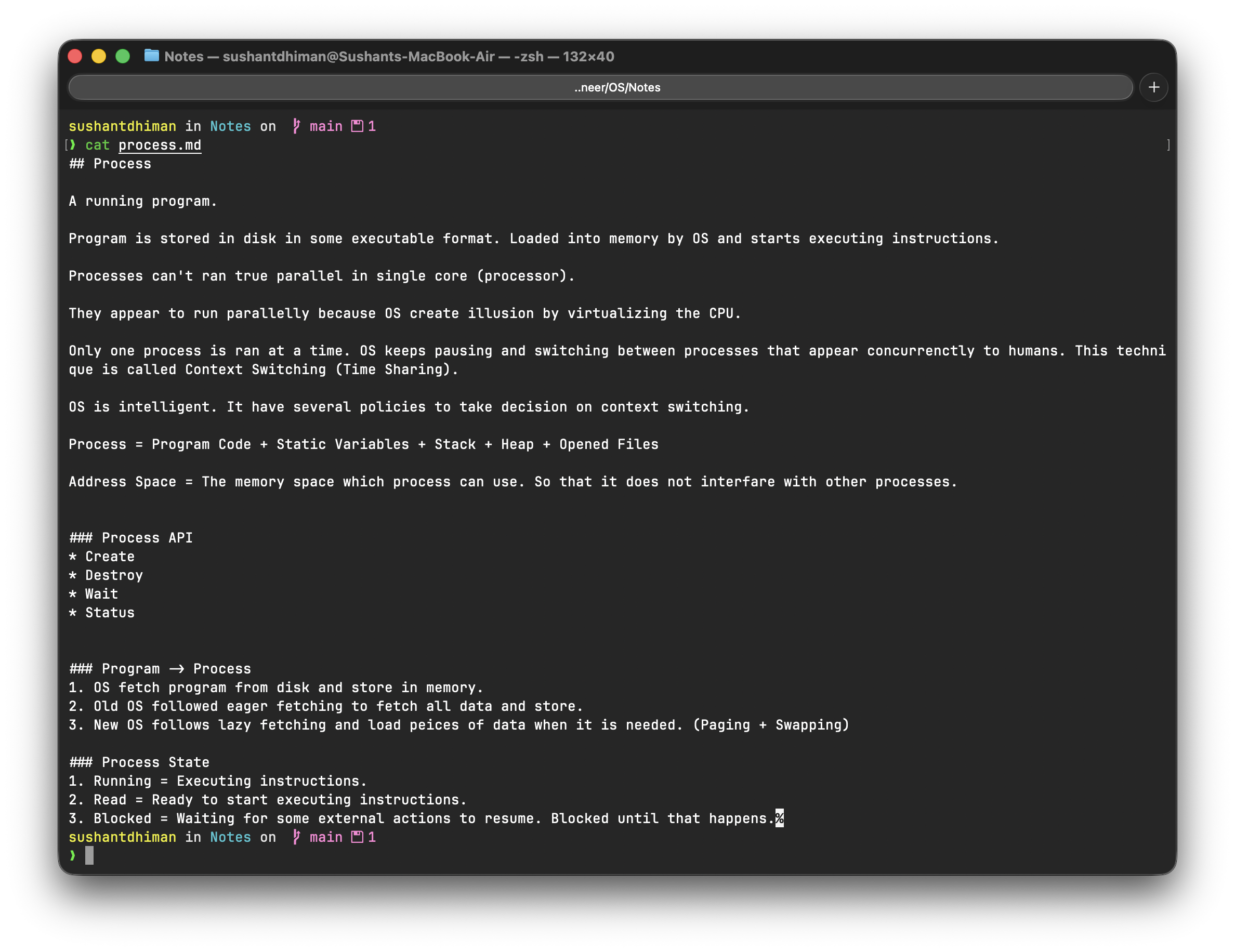
Important
Many people think that shell and terminal are the same things. But that's not true; a terminal is a graphical user interface where you can type commands. Whereas a shell is a baseline component that accepts commands and processes them. We are not going to build a terminal. We are going to build a shell.
But don't worry; you will be able to execute commands in that as well.
Tech Stack
We are not going to use any external library. We are just going to use the C programming language and Linux concepts practically.
How does a Shell works?
- Print prefix (mysh>)
- Wait for command.
- Parse command.
- Create a new child process and execute command there.
- Wait for child process to complete.
- Repeat
Some of the you will think, "What is this 'process'?" Let me give you a crash course.
Process
A process is a running program. Programs are stored on the hard disc or SSD in some executable format. Understand with an example. Google Chrome is installed on your computer. It resides in your storage disc (HDD or SSD). When you double-click on it, it magically opens. The magic behind this is that
- OS loads the program from disk to RAM.
- RAM is where currently opened programmes are stored because RAM is quickly accessible.
- CPU starts executing your program.
Now Google Chrome has become a process.
Child Process
When a process creates another process, the created process is called the child process, and the creator process is called the parent process.
#include <stdio.h>
#include <unistd.h>

int main(int argc, char** argv) {
    int pid;
    pid = fork();

    printf("fork() returned: %d\n", pid);

    if (pid == 0) {
        printf("Child process.\n");
    } else {
        printf("Parent process.\n");
    }
    return 0;
}
Can you guess the output of the above code?
fork() returned: 69808
Parent process.
fork() returned: 0
Child process.
A process can use a system call "fork" to create another process. The created process will start executing the same instructions that the parent process is going to execute. It will also get a copy of the same address space of its parent process. Understand that address space is an area of memory that can be used by this process so that it does not interfere with other process data.
The fork() system call will return the ID of the created process. It will return zero for the child process and an non negative number for the parent process. That's why we added a simple if statement that distinguishes between which process is running.
I can send you a free weekly newsletter of this blog. Join my free newsletter to get updates every weekend.
Why do we need to know about processes?
You need to know about processes because processes are the building blocks of shell. If you recall the working of a shell, you will notice that we need to create child processes for the commands. Our shell will run as a parent process, and all the commands will run as child processes.
Step 1 - Basic Anatomy
#include <stdio.h>
#include <string.h>

#define MAX_INPUT 1024


int main() {
	char input[MAX_INPUT];

	while (1) {
		printf("mysh> ");
		fflush(stdout);

		if (fgets(input, MAX_INPUT, stdin) == NULL)
			break;

		input[strcspn(input, "\n")] = 0;

		if (strlen(input) == 0)
			continue;

		if (strcmp(input, "exit") == 0)
			break;
	}

	return 0;
}
This code gives us a basic anatomy of our shell. It will accept commands from the user and does nothing. But if a user sends "exit", it will break the loop and stop the program.
Step 2 - Let's process simple "ls" command.
Let's implement some command execution functionality to our shell. After validating that our command is not empty and not "exit", we can spawn a child process that will be responsible for executing the command.
pid_t pid = fork();

if (pid == 0) {
    // Child Process will process command here.
} else {
    // Parent will wait until child process completes.
    wait(NULL);
}
But here is an issue. I told you that when we create a new process using the fork() system call, it will create an exact copy of the parent process. Including its machine instructions, static variables, stack, heap, opened files and address space. The child process will start executing the source code of the parent process.
Let's say a user entered the "ls" command in our shell. This command will print all the files and folders in the current directory.
Important
You need to understand that the commands we run in our terminal are also executables. Go to the "/bin" directory on your computer and see what files are listed there. You will see several commands you use in your daily work.
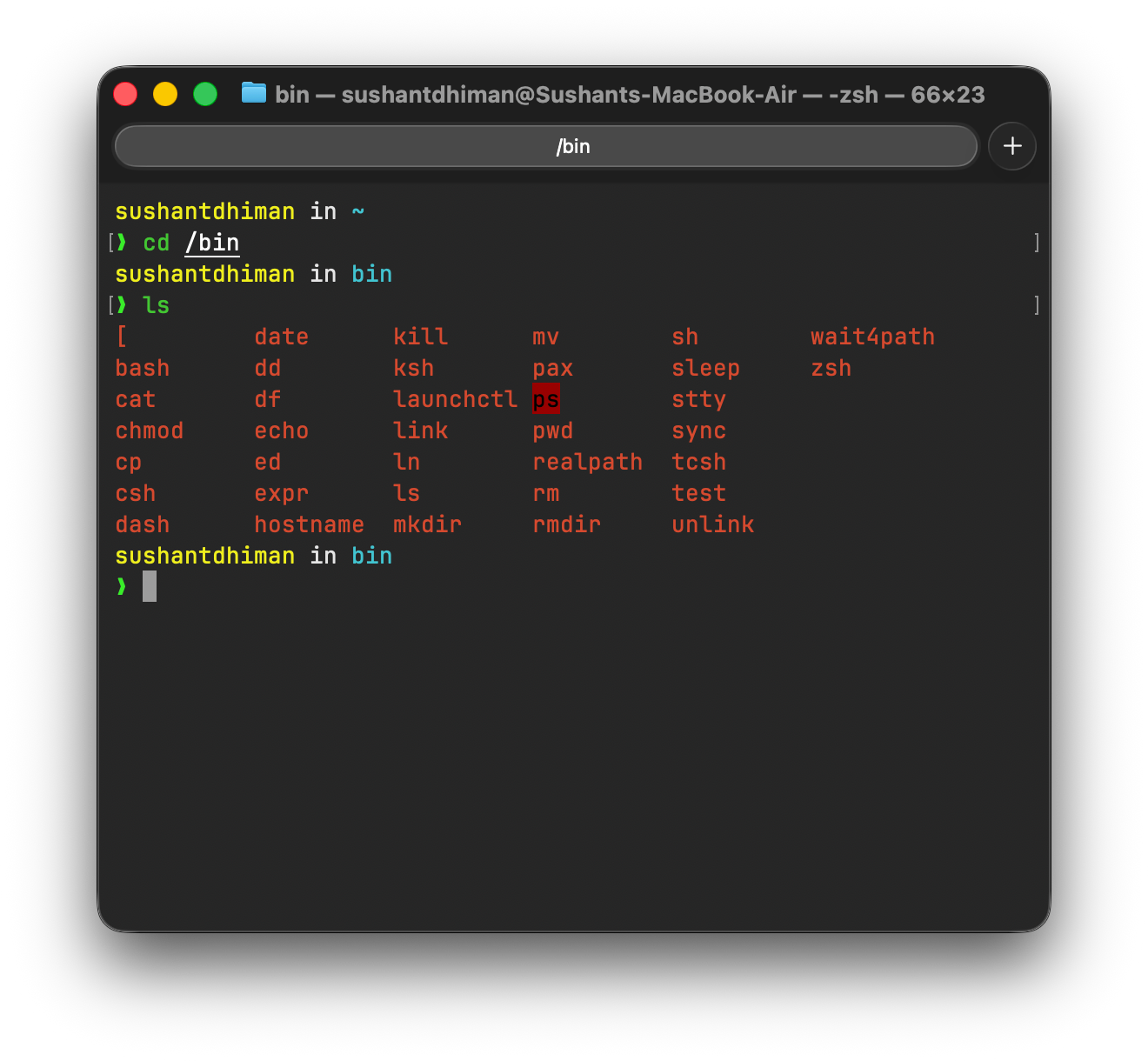
So this means that when you write "ls" inside your terminal, a program stored at location "/bin" is executed. Running "ls" and "/bin/ls" won't make any difference, as the shell you are currently using does this automatically for you. We are going to do the same thing. Inside our child process, instead of running code of parent process we will replace it with code of command user gave.
Introducing execv Systemcall
This is the most important system call for building a shell. It does a simple thing. Replace the image of the currently executing process with another program/process.
Working of execv
It's important to understand the working of this system call. It takes 2 arguments.
- Path of the program we want to run.
- Arguments for that program.
So if we want to run the "ls" command, the path will be "/bin/ls". This second argument of the execv syscall is a bit confusing.
Let's say we are running the command "ls", so our second argument to the execv syscall will be a string array with the following contents.
char *args[] = {"ls", NULL};But if we want to run the command "ls -a" (this lists hidden files and folders as well), our string array will look like this.
char *args[] = {"ls", "-a", NULL};So execv will use the 1st argument to load a program stored somewhere on disc, and it will use the 2nd argument to supply arguments to the loaded program. The loaded program will start running as a process, and finally execv will replace the image of our current child process with the loaded program's process.
The NULL at the end of the args array is there so that any other code accessing this array can properly find the end of it and not go beyond the end.
Complete Code
#include <stdio.h>
#include <string.h>
#include <unistd.h>
#include <sys/wait.h>

#define MAX_INPUT 1024


int main() {
	char input[MAX_INPUT];

	while (1) {
		printf("mysh> ");
		fflush(stdout);

		if (fgets(input, MAX_INPUT, stdin) == NULL)
			break;

		input[strcspn(input, "\n")] = 0;

		if (strlen(input) == 0)
			continue;

		if (strcmp(input, "exit") == 0)
			break;

		pid_t pid = fork();

		if (pid == 0) {
			char *args[] = {"ls", "-a", NULL};
			execv("/bin/ls", args);
		} else {
			// Parent will wait until child process completes.
			wait(NULL);
		}
	}

	return 0;
}
Now if we run this program and give it some input that is not "exit", it will execute the "ls -a" command just like your terminal does.

I can send you a free weekly newsletter of this blog. Join my free newsletter to get updates every weekend.
Part 2?
This was a very, very basic implementation of shell. I won't even call it standard because it just executes 1 command. I've done the following things in my personal shell implementation:
- Dynamic Command Execution
- Commands piping (ls | grep 'a' | sort)
- CTRL + C handling
I'll write part 2 of this post, which will have most of the features that a shell has. Also, you can subscribe to my free weekly newsletter to get updates of my new posts.